
Shared handling hurts stabilityMultiple people using the same login in changing environments makes accounts harder to keep stable and increases operational friction.
Every AI Account
One Secure Team Workspace
Manage team AI platform accounts from one security-first workspace. Centralize fixed environments, permissions, usage logs, and multi-Coding Plan operations so leaders focus on business, not login routing.
Supported platforms





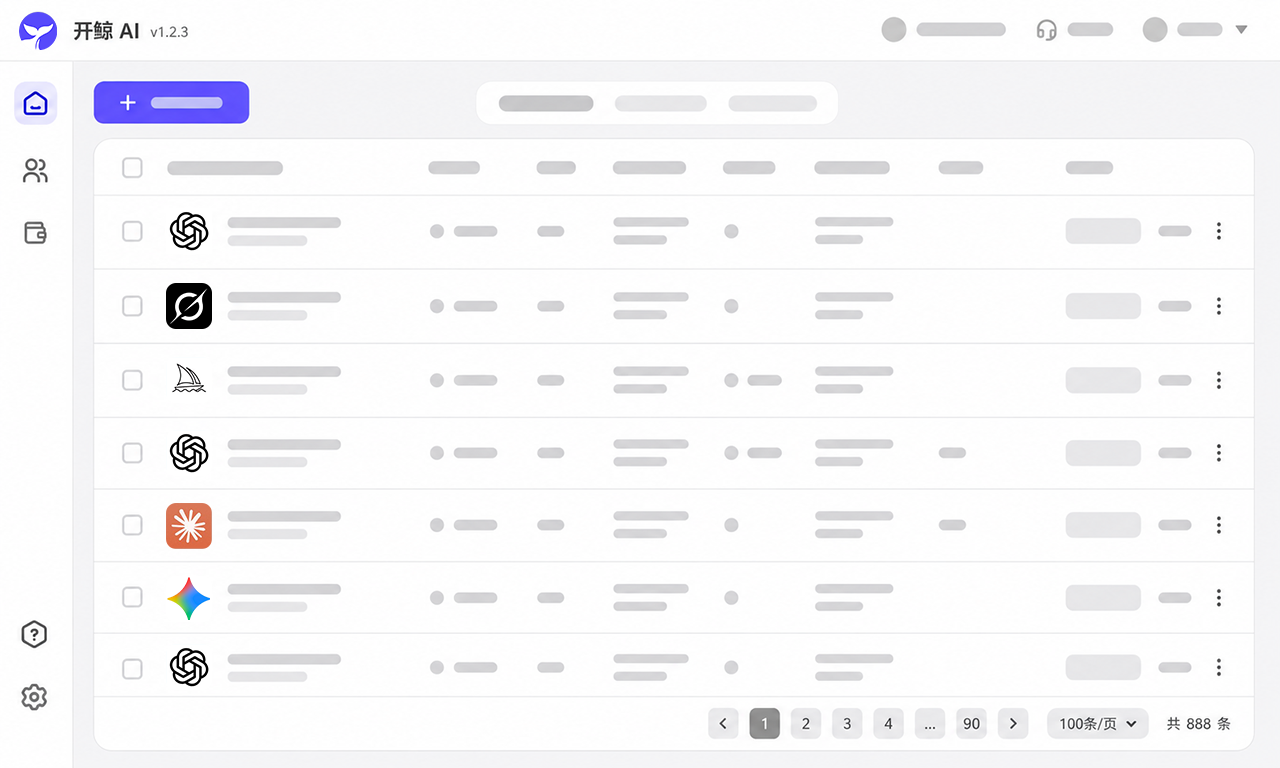
AI Account Management Should Not Be Manual Work
Team accounts often break flow because proxy routes change and ownership is unclear. AcBoter consolidates accounts, fixed environments, permissions, and usage records into one dashboard.
Proxies become another system to manageTracking which route belongs to which account in spreadsheets and chat creates extra work and configuration mistakes.
Coding Plan setup stays fragmentedDifferent teams often track Coding Plan assignments in different places, which slows handoffs and quick reassignment.
Account support is uncertainWhen an account stops working, unclear support and replacement policies can leave the team waiting.
Accounts, Environments, and Team Access in One Place
Add your own AI platform accounts and centralize team operations in one client. Manage every platform, member, fixed environment, and account status without switching tools.
Multiple platforms and accounts
Manage ChatGPT, Claude, Gemini, Grok, Codex, and other accounts together without searching across browsers and spreadsheets.
Download AcBoterTeam permissions and logs
Assign account access by member and keep usage and key actions visible without passing around primary login details.
Dedicated fixed environments
Bind each account to its own stable access environment and reduce repeated network switching and abnormal logins.
Account safety and support
Keep each account bound to a fixed route, monitor key operations, and keep troubleshooting records for clear support follow-up.
From Account Setup to Team Collaboration
AcBoter brings account import, account services, proxy configuration, team collaboration, renewals, and usage visibility into one flow.
Download the client
Install AcBoter on Windows or Apple silicon Mac and enter one account workspace.
Import and bind your accounts
Add your own AI accounts, bind each to a fixed environment, and assign permissions by team role.
Bind access environments
Configure proxy environments for accounts to reduce platform access and stability issues.
Manage team usage
Assign members, review account status, monitor usage, and keep renewals organized.
Safe management for multiple Coding Plans
in one team workspace
Keep multiple Coding Plan accounts together, track each account status, and switch assignments safely by member and project.
See accounts togetherKeep multiple Coding Plan accounts and their status visible in one workspace.
Assign by memberGive members the access they need and adjust assignments as projects change.
Keep account boundaries clearUse permissions, role checks, and logs to make sure each member stays within assigned scope.
What Teams Say About AcBoter
“We used to share AI accounts directly across the team. Once more people logged in from different environments, the accounts were much more likely to run into checks. With AcBoter, access is assigned properly and each account stays with a fixed environment. It has been noticeably more stable.”
“Managing AI accounts used to mean managing a separate proxy for every account as well. We tracked which route belonged to which account in spreadsheets and chat messages, and it got messy fast. Now the accounts and access environments live together in AcBoter, so I rarely need to configure them one by one.”
“We had bought accounts elsewhere that suddenly stopped working, and sometimes there was no one to contact. With AcBoter, we know where to report an issue and support follows up on what happens next. That makes the service feel much more dependable.”
“Our team had several Coding Plan accounts. Before, every handoff needed a lot of chat coordination. Now they are managed together, and reassignments happen in minutes.”
FAQ
Common questions about account access, team collaboration, environments, support, and renewals.
How does AcBoter pricing work?
AcBoter-provided AI accounts, access environments, and related services are priced as shown in the client or on the order page.
Can I use AcBoter if I do not have AI platform accounts?
Yes. You can start by adding your own AI platform accounts, and connect them to a team-managed environment in AcBoter.
How soon can I use it after purchase?
Setup is usually completed within 24 working hours. The exact time may vary depending on account resources and support confirmation.
Can multiple people use one account at the same time?
Team members can be added and assigned member accounts for collaborative use. For stability and account safety, we do not recommend sharing the same login identity directly.
Will an account be kept if I do not renew?
No. Please renew at least 3 days before expiration. Accounts that are not renewed in time will be disabled after expiration.
Organized AI Accounts, Focused Teams
Manage accounts, environments, permissions, Coding Plans, and usage records in one lightweight workspace.